
This is a Unreal Engine 4 and 5 C++ runtime plugin which provides server admins of your game with an easy to use interface to control their online multiplayer game servers while they are connected to the game.
The controls range from changing the currently loaded map to any other available map, to kicking and banning users and modifying the game rules while the game is running. It is the perfect tool for both every day server administration as well as competitive match moderation.
View on UE Marketplace →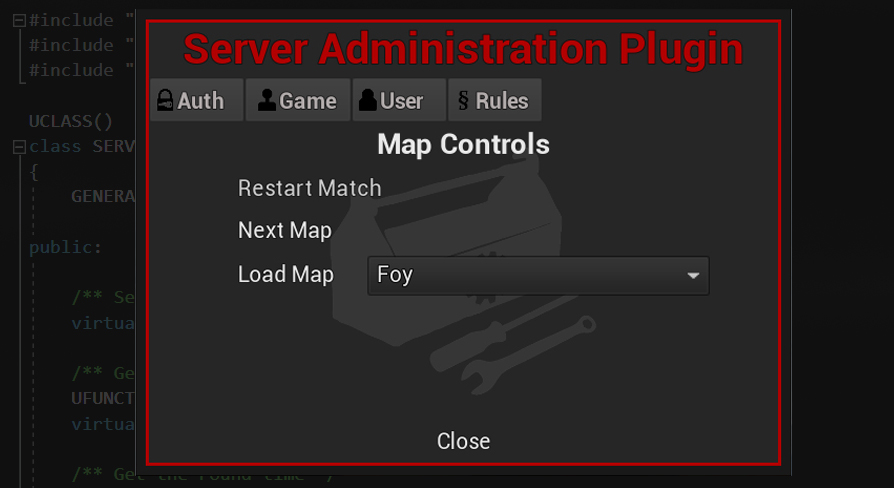
Documentation
F.A.Q
Q: What is this plugin exactly?
This engine plugin provides you with an easy-to-use interface to control your online multiplayer game server while you are connected to the game. The controls range from changing the currently loaded map to any other available map, to kicking and banning users and modifying the game rules while the game is running. It is the perfect tool for both every day server administration as well as competitive match moderation.
Q: Is this plugin right for me and my game?
We built this plugin for an existing multiplayer game, a multiplayer FPS shooter running on the traditional Server-Client model using Epic's ShooterGame framework. If you are in a similar situation, implementing this plugin is very simple. In principle it will work with the vast majority of MP games, even if you built your game from UE4's base classes.
- Integrated into a MP game based on Epic's ShooterGame template
- Written in C++, needs to be compiled against the source of UE4 and 5
- The UI is made in UMG
- It comes with three components added to three of your game's classes
- It provides a class that acts as a parent for your game's GameInstance class
- Steam IDs or a simple password as authentication. In principle, any other persistent and unique user ID of other online sub systems should work too.
Q: How does it work?
A: The Player Controller's connection is used to communicate between client and server to send and receive commands. Server admins are identified via their OnlineSubSystem UniqueNetID or a password and allowed access to the administration panel.
Q: Can I just download this plugin and make it work?
A: It is designed to be easy and straightforward to use, however, as mentioned above there is some effort required to hook it up.
Q: What do I need and what do I have to do?
A: For full integration you'll want the GitHub version of UE4 set up for your project and Visual Studio or another IDE ready to modify your game's code. You have two options:
- The way we use it: The plugin's GameInstance Blueprint inherits from ShooterGame's GameInstance class and there are three components added to the PlayerController, GameMode, and GameState respectively.
- Alternatively, use the plugin's GameInstance C++ class and work with the components in code, ignoring all the Blueprint layered on top.
Q: Why is there so much work to do in C++? Does the plugin not work out of the box?
A: The plugin itself will compile and work fine without the code changes above. However, in the example shown it is modifying values in ShooterGame classes which are C++ only, and some lines of code are needed to expose them to Blueprint.
Q: Do I need to work with ShooterGame or can I integrate this into any game?
A: You can implement this plugin into any UE4 based game. The details may differ but since most of the plugin is component driven, the majority of the guide will still apply.
Q: Do I have to have a C++ code based game?
A: You can implement this plugin in a fully Blueprint driven game. However, since this plugin is designed for a server/client environment and the server target can only be built from code, chances are you won't be building this kind of project in blueprints only.
Q: I have a fully blueprint driven game built on code I don't modify. Can I use the plugin?
A: Yes, you can implement the plugin in full provided you have built the game logic the plugin is meant to control in blueprints and can interface your blueprints with the plugin's functions.
Q: I have a code only project. Can I use the plugin despite it having Blueprint components?
A: Yes, though you will need to do some of the work that's done in Blueprint in C++ instead — such as including the components in your game's classes and calling the interfaces and delegates from there.
Q: I want players to see what settings admins are changing. How can I achieve that?
A: The plugin uses the GameMode's broadcast channel to communicate what it does, using the FName "Annc" as broadcast type. You can intercept it in the GameMode and hook up UI elements that display changes on all players' HUDs.
Features
Authentication
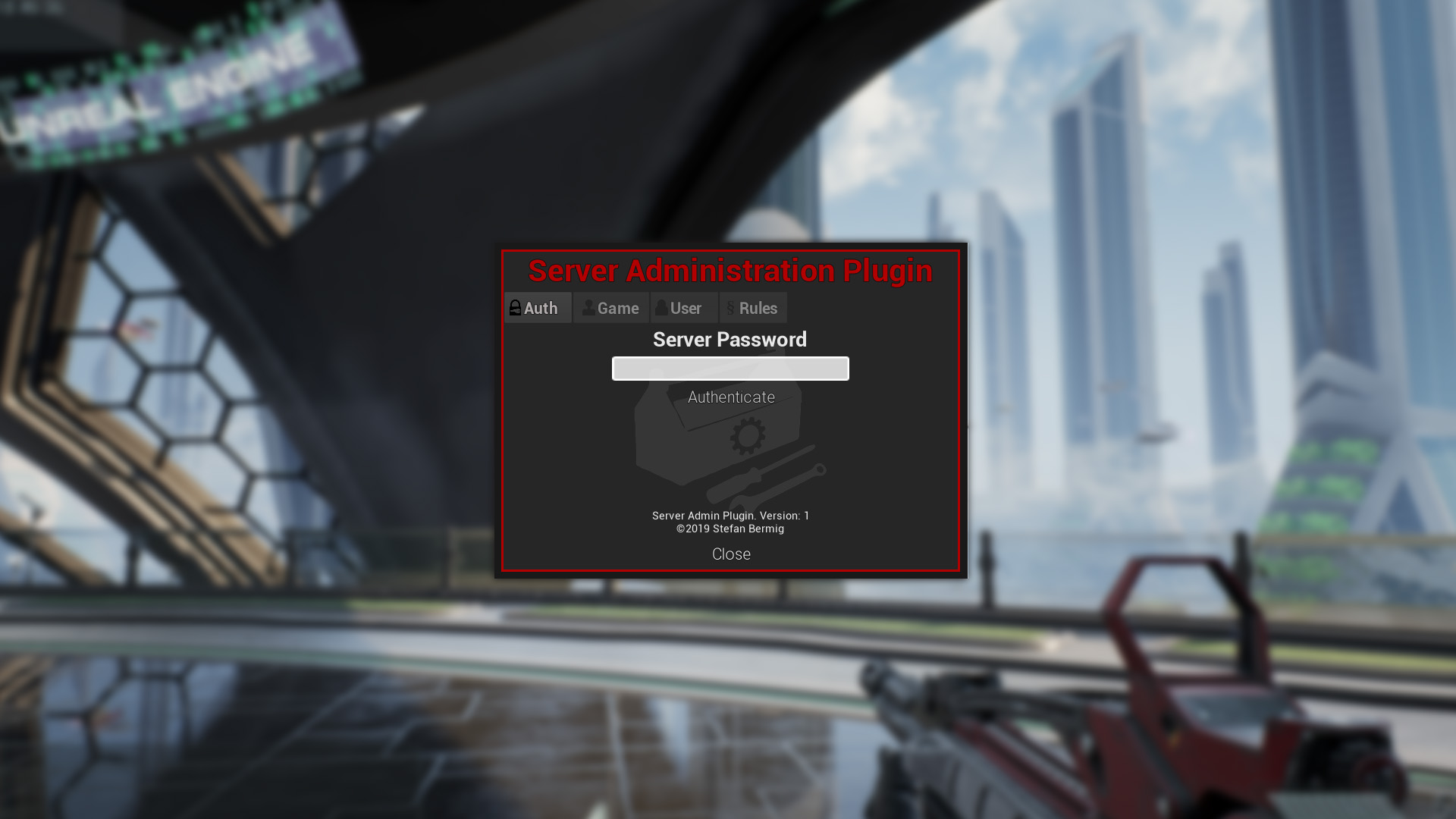
Two methods are available: via Steam ID and via password. The Steam version requires the admins' Steam IDs to be listed in your GameMode.ini and authenticates matching users automatically. The password variant requires a password stored in the GameMode.ini and entered manually in the first panel of the Admin menu. Note: the password is sent and stored unencrypted, so this method is not recommended.
Map Rotation
Enables you to set up servers that revolve through a predefined list of maps. It works by calling the DetermineNextMap() function in the ServerAdminGameMode class when your game determines round end conditions were met. For servers playing one map 24/7, not defining a map rotation signals the plugin to loop the current map indefinitely.
Map Switch and Restart
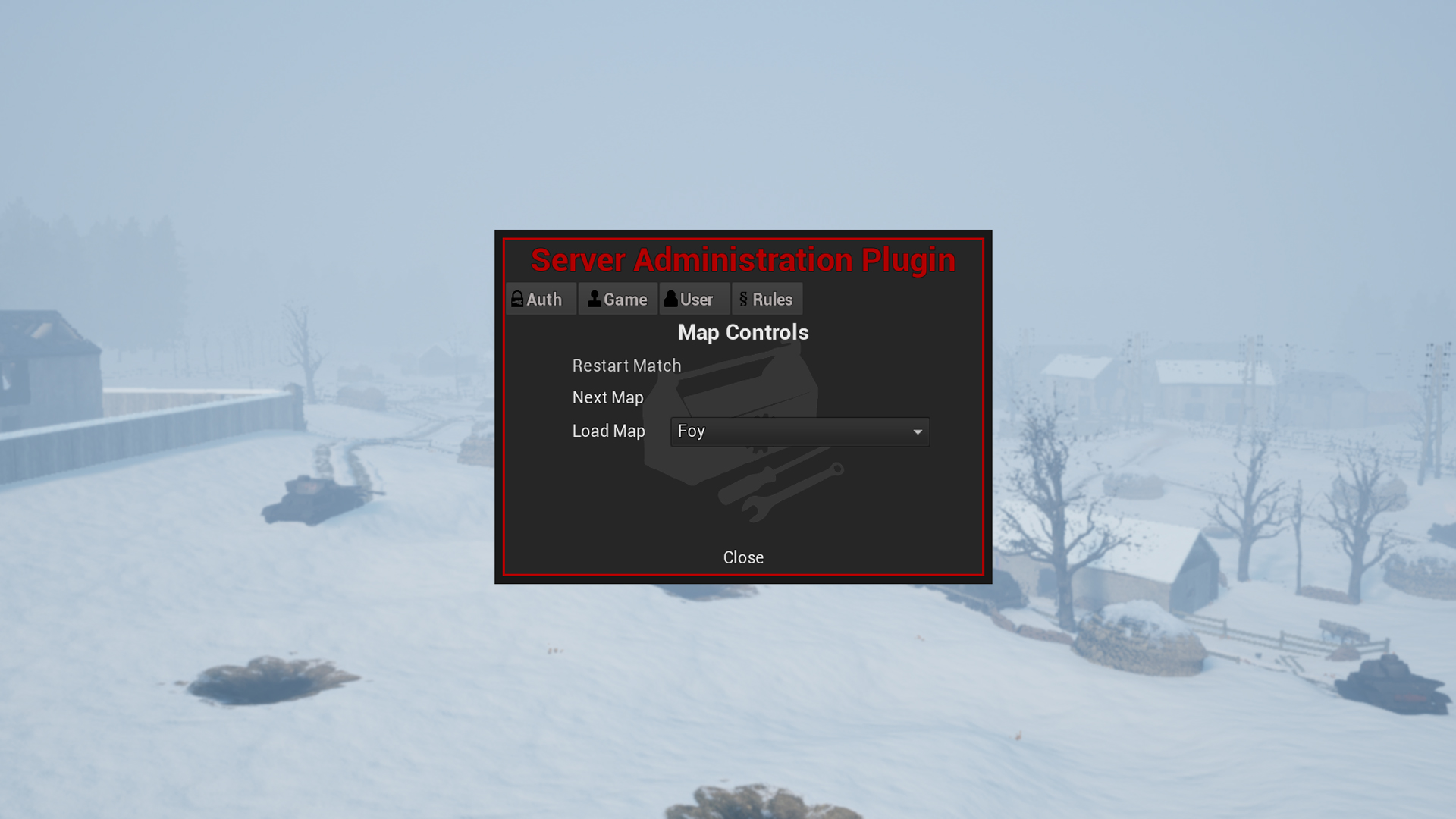
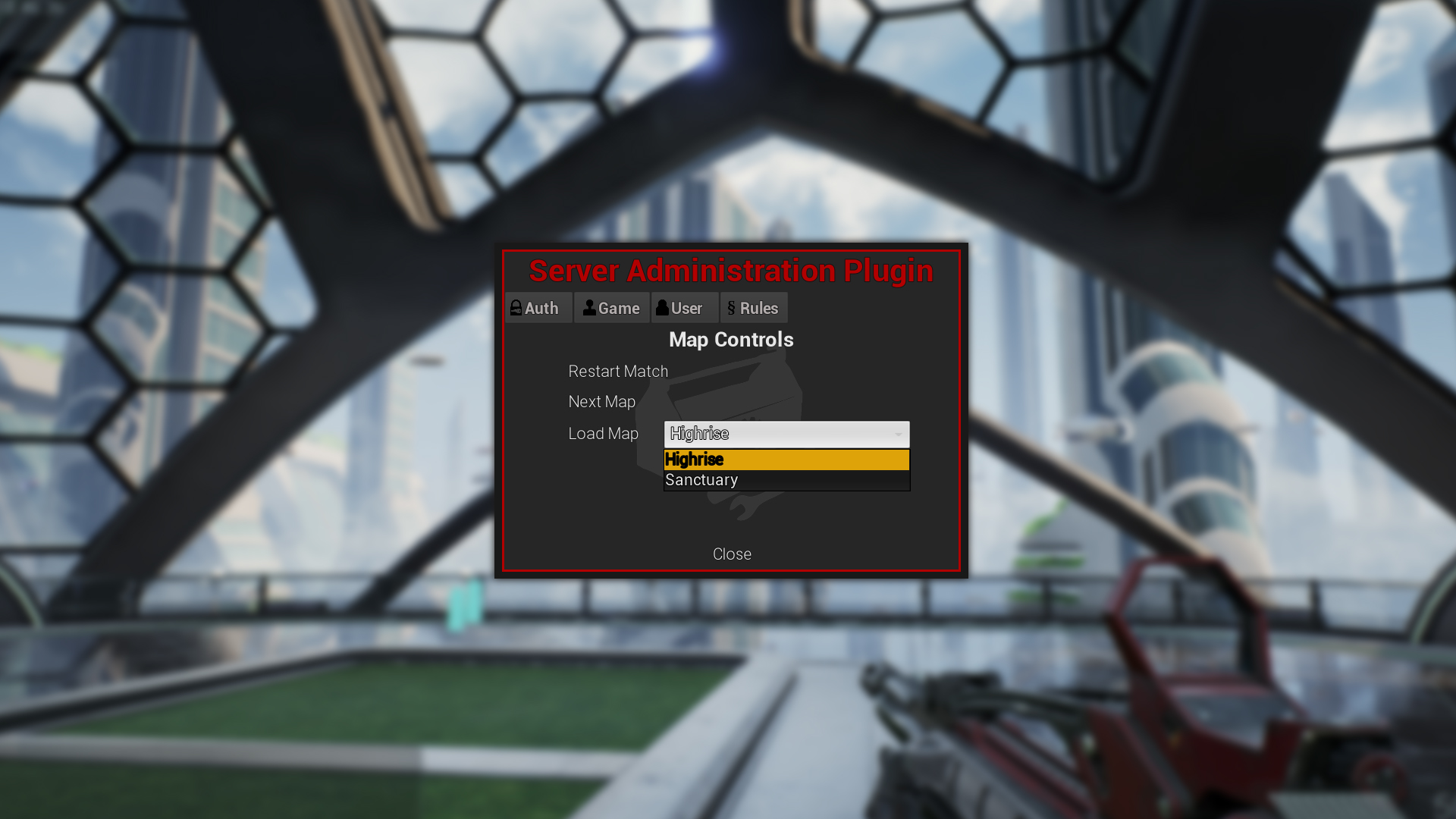
Allows you to restart the current map, skip ahead one position in the map rotation, or choose another map altogether — even those not listed in the server rotation. The GameInstance class memorizes the current position in the list and will continue the rotation after the selected map concludes.
Kicking and Banning Players
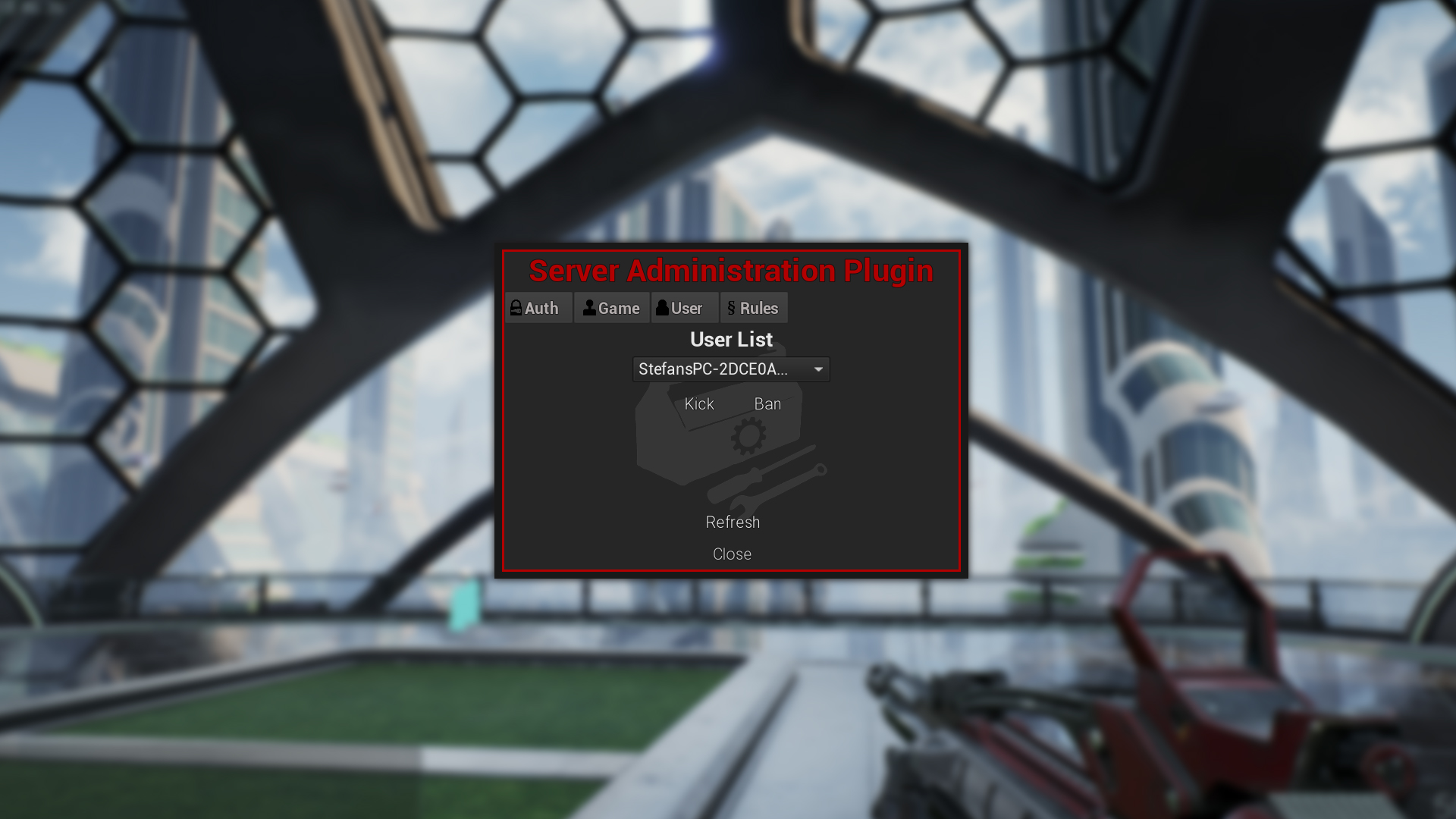
Provides a list of currently connected players you can kick or ban based on their unique NetID. Note: Kicking bots is currently not supported. Kicking yourself while hosting a listen server will fail silently.
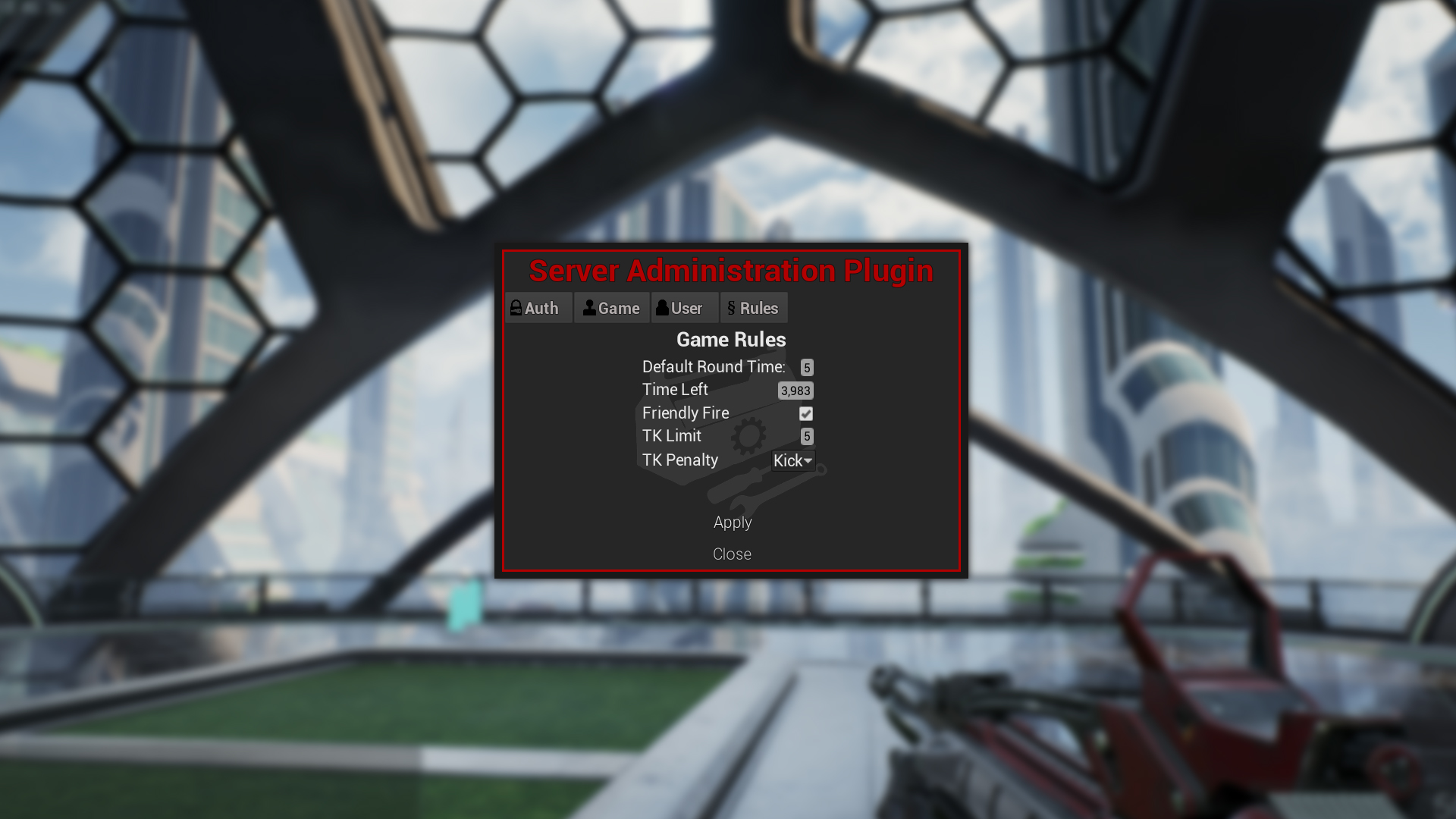
Game Rules
- Default round time: Set the time each round plays. Note: currently takes effect when a new map is loaded.
- Time remaining: Set how long the current round will last
- Friendly fire: Toggle on or off
- TK Limit: How many TKs before a player is kicked or banned. Set to 0 to disable.
- TK Punishment: Kick or ban players
Future Plans
The following features are planned:
Kick and ban feature: Show more info about connected playersBan list: Manage banned players from inside the admin menuBan duration: Ban players for a set amount of time or indefinitelySaving runtime values to the game's ini file- Admin protection from kicking and banning
- Localization
- Interface for controlling the amount of bots per game
These features are a possibility if there is enough demand:
- Themes — a small selection to make the menu look more like part of your game
- Password authentication with encryption/hashes
- Remote control via an external interface
Integration Examples
Example integrations based on a modified version of ShooterGame: