
Know your players, don't guess. With this game telemetry plugin you will have the data to back up your design decisions and iterate your features based on recorded telemetry.
This tool will help you achieve a high level of confidence in the actions to take and changes you want to make to your game. If you ever found yourself in a situation where you knew something doesn't work as intended, something about your design or your layout felt off, or worse, caused a lot of frustration — and yet you still couldn't put your finger on what that something was exactly — then this plugin is for you.
This plugin is a Unreal Engine 4 and 5 C++ and Blueprint runtime and editor UI tool to record player and item locations, actions taken, events that happened to them, or any entity in the world. Think of it as a Blackbox for airplanes — but for your game.
View on UE Marketplace →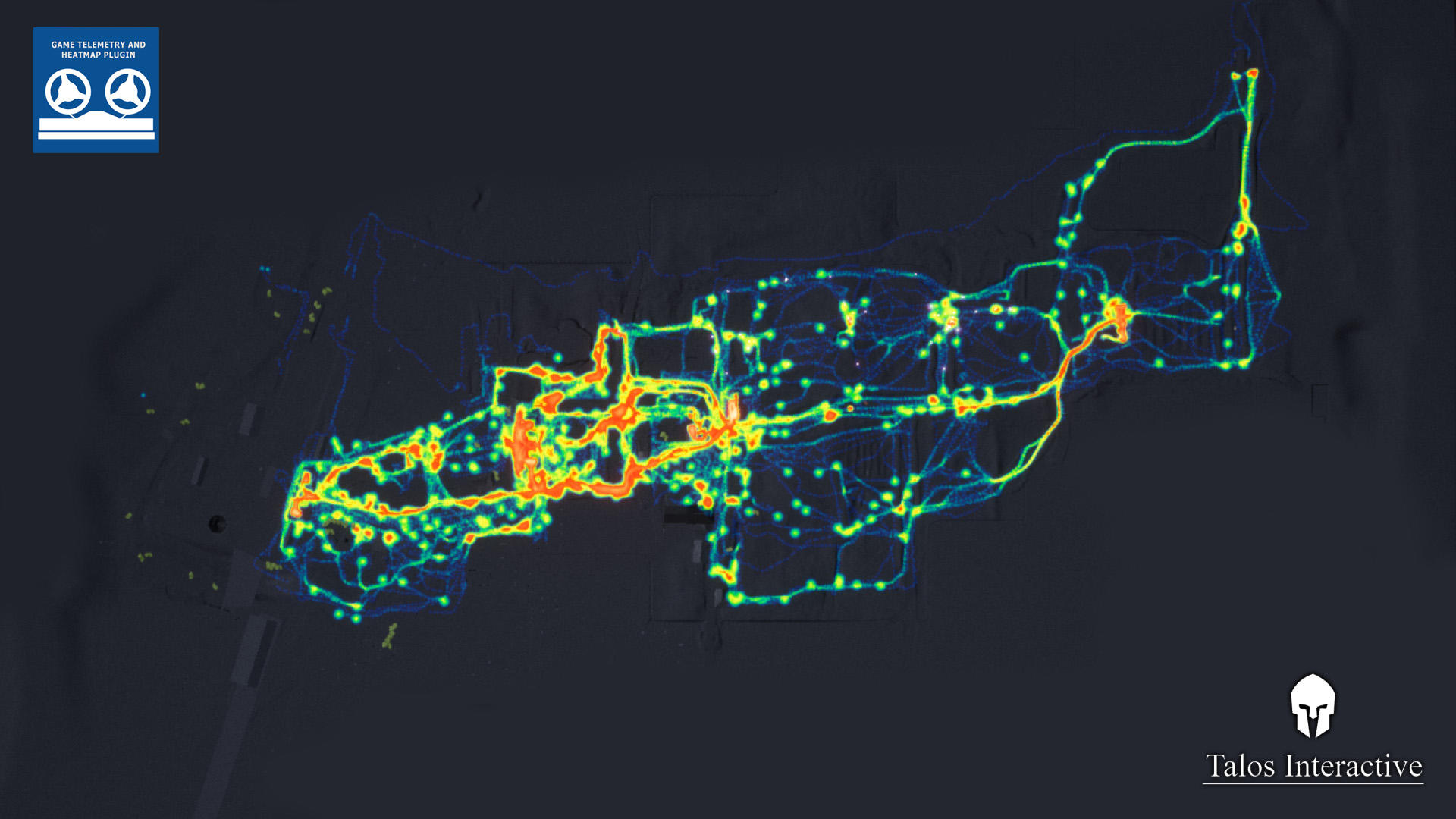

Features
Event Recording
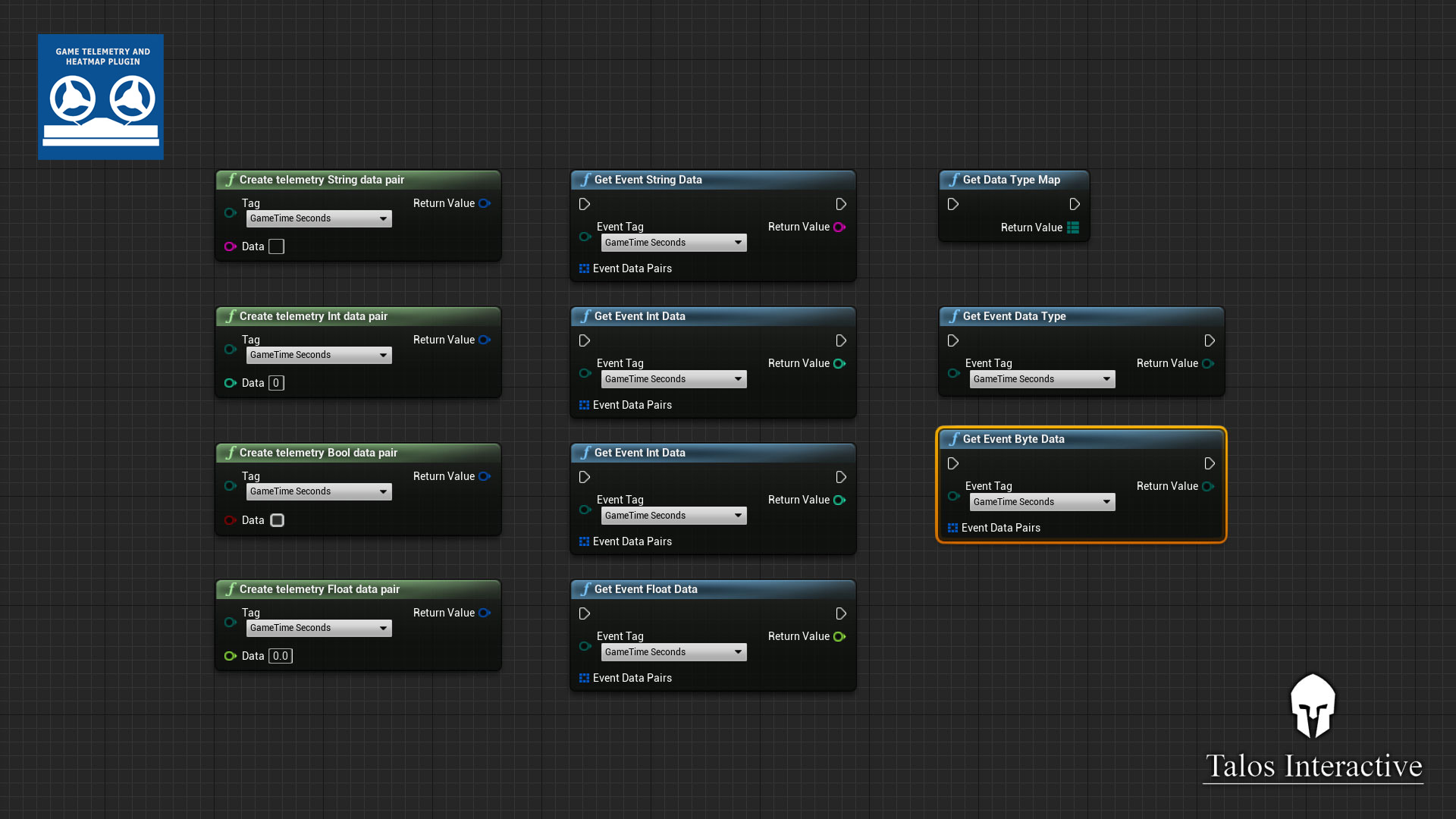
Any event that is called in code can be recorded. Some examples of the existing record nodes:
- Player respawns
- Player location
- Player skill used
- Player weapon used
- Events, such as explosions
- Objective state change
- Objective completed
- Match end
Event Replay
Three options to display events that took place:
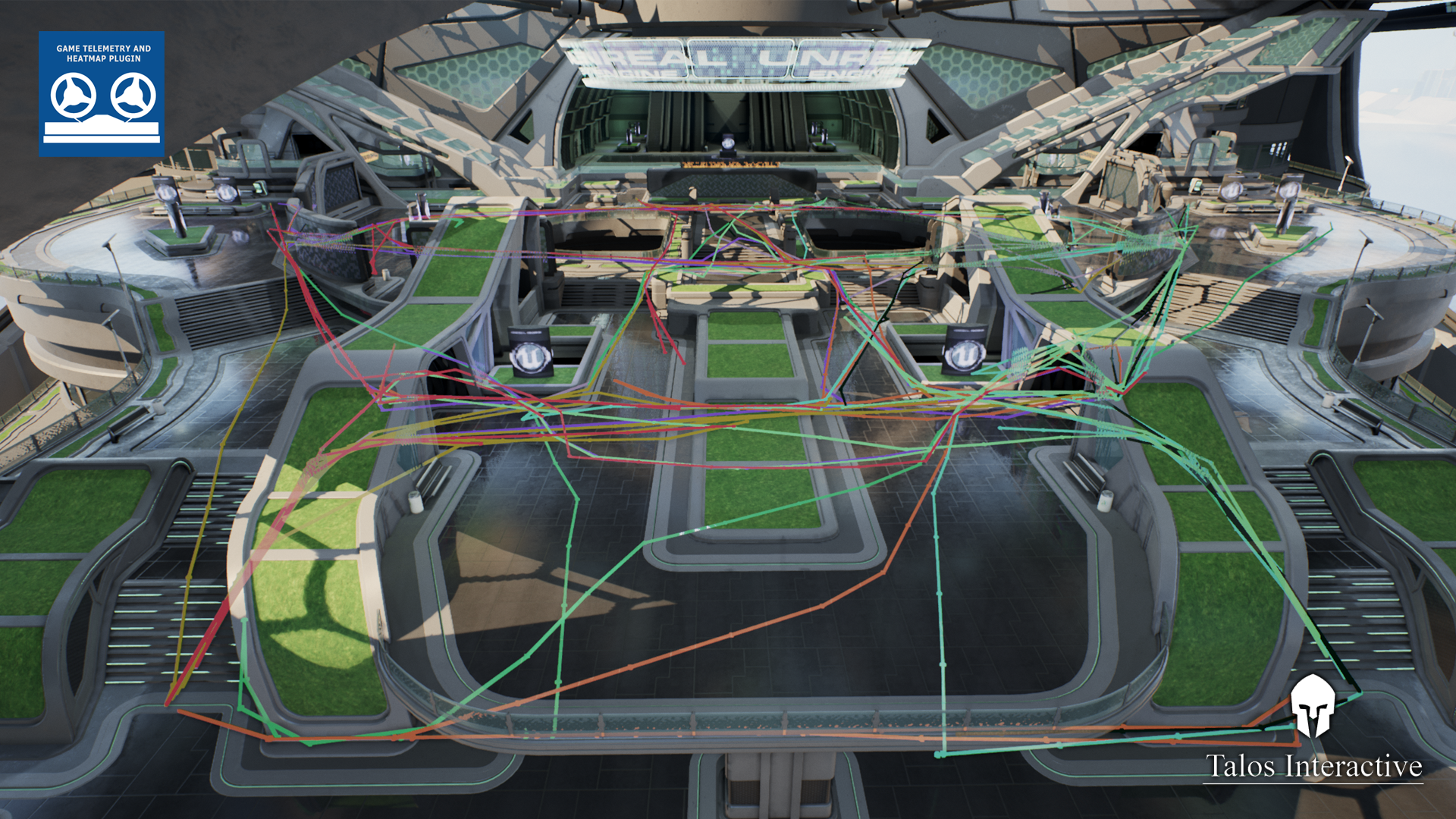
- All events at once over the entire timeline
- All events from a specific timestamp plus a fixed number of seconds past that timestamp (configurable in settings)
- As a replay, to watch the match unfold
- To be added in a future version: actual demo replay combined with event replay
Event Filtering
Filter all displayed events by:
- A specific player ID
- A team ID
- An event type, like locations, skills used, or completed objectives
- Their timestamp
- And many more
Heatmap
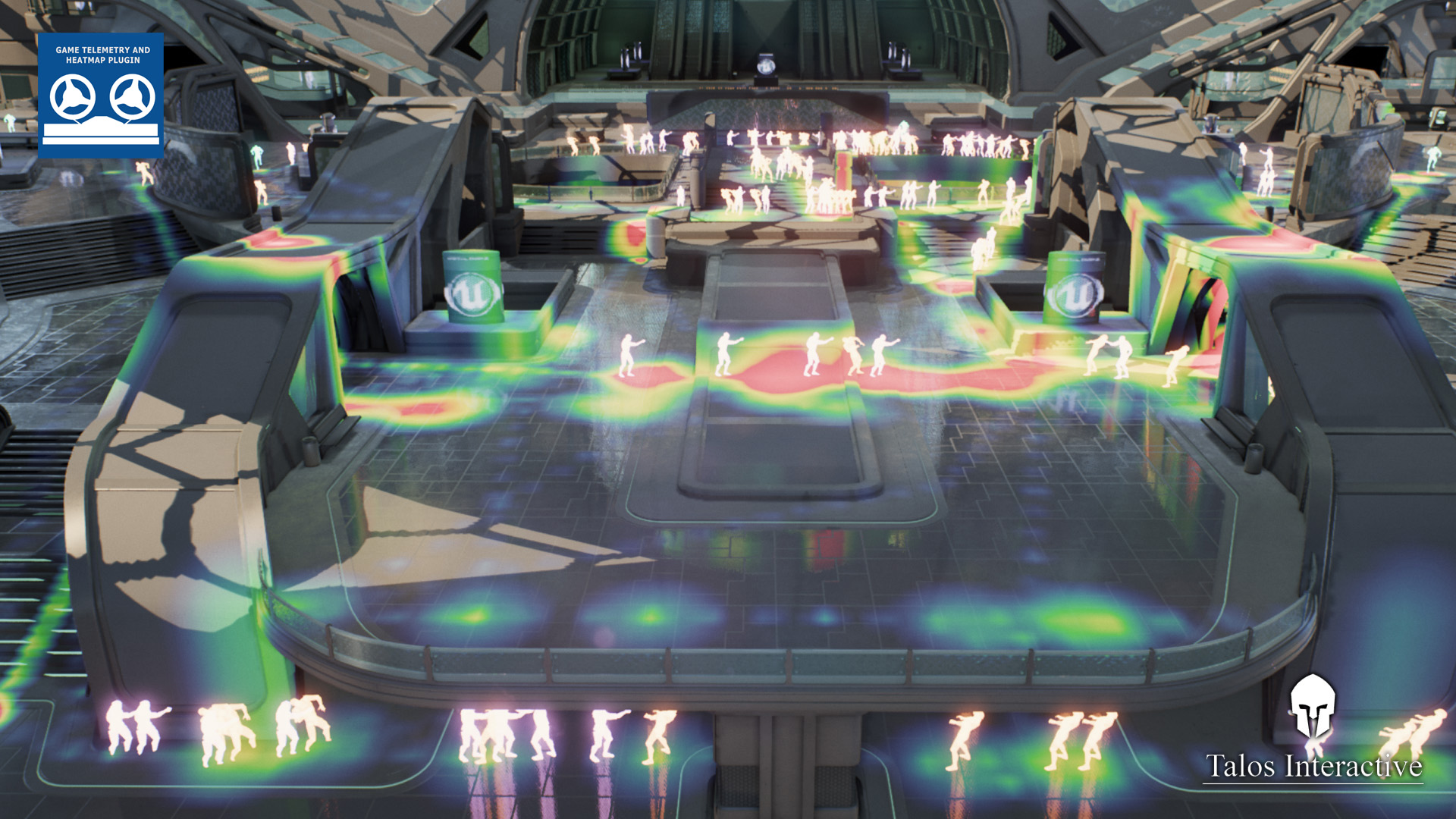
- Draw a heatmap in the level based on your recorded data with a single button. Displays all currently filtered or all events.
- Adjust event size on the heatmap to see them better or differentiate multiple event locations across the map.
- Adjust event magnitude to differentiate the number of events per location. Color code goes from Blue → Green → Yellow → Red.
- 3D heatmap support: choose 1 to 10 elevation levels for rendering. Events at a specific elevation render on that level only.
Documentation
Sample Telemetry Files
F.A.Q
Q: Why do I need this?
A: This plugin will help you achieve a high level of confidence in the actions to take and changes you want to make to your game. If you ever found yourself knowing something doesn't work as intended but couldn't pin down exactly what — this plugin is for you.
Q: How does the plugin help me achieve this?
A: By recording an exact replay of what your players have been doing and what happened to them, turning it into statistical data via a heatmap or by importing it into spreadsheet software. Using this plugin for our own game, we were able to:
- Identify hot spots in two maps where one team had trouble breaking through the other's defenses, getting the game stuck and frustrating players for months
- Identify many places where players managed to leave the level boundaries
- Determine most and least popular routes, allowing us to rebalance layouts
- Find places where players hid in large meshes with missing geometry
- Find frequent camping spots
- Find small gaps or angles allowing spawn camping over long distances
- Discover that ShooterGame AI prefers straight paths and dies in just a handful of locations — useful for improving AI behaviors too
Q: What does it do?
A tool to record player and item locations, actions taken, and events that happened to any entity in the world. Think of it as a Blackbox for airplanes — but for your game.
- Record any event via Blueprints or C++
- Every event can be associated with a specific player — ideal for online matches
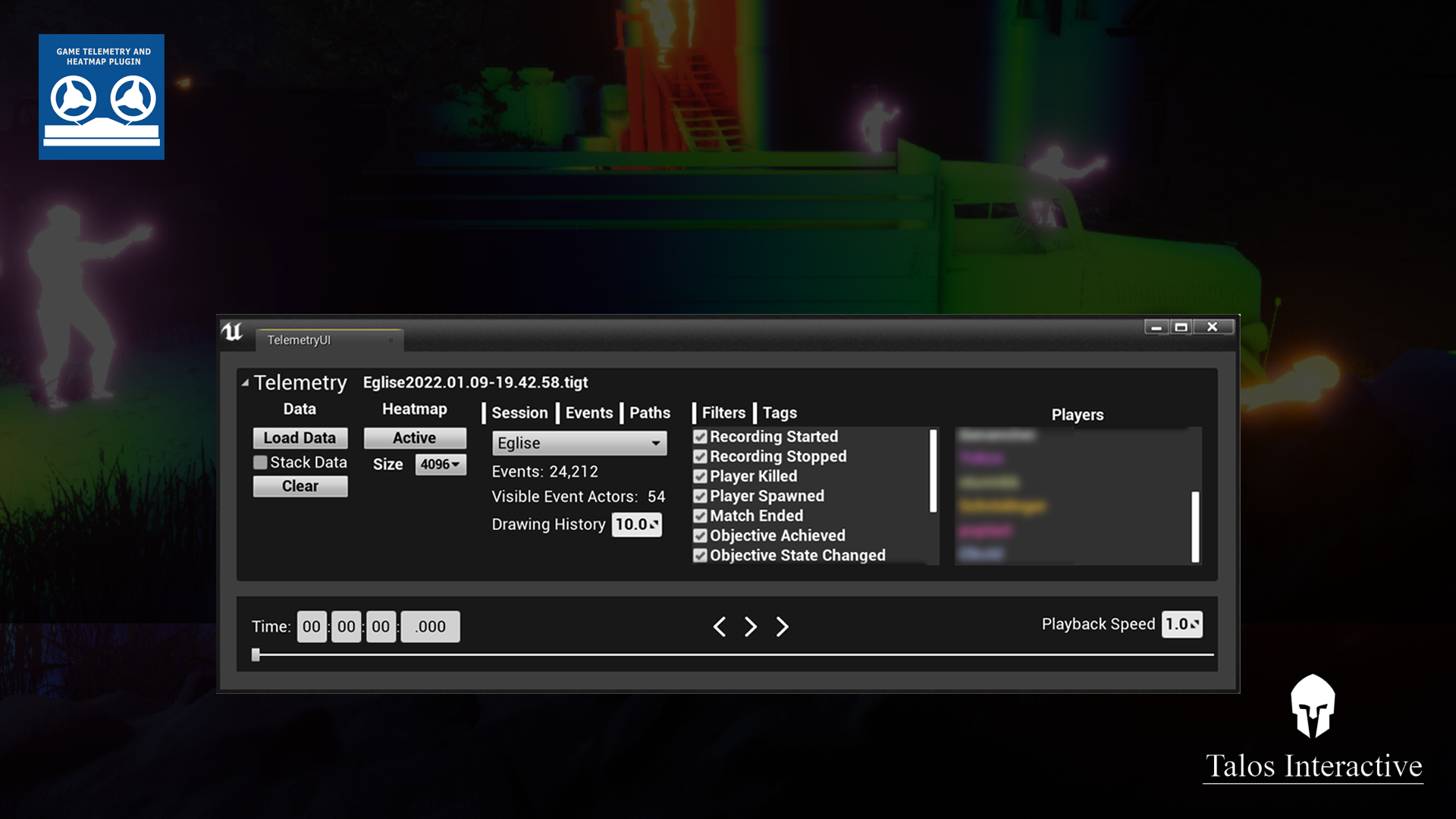
- Load recorded data into the editor via the Telemetry Widget
- Display player movements as lines in the world
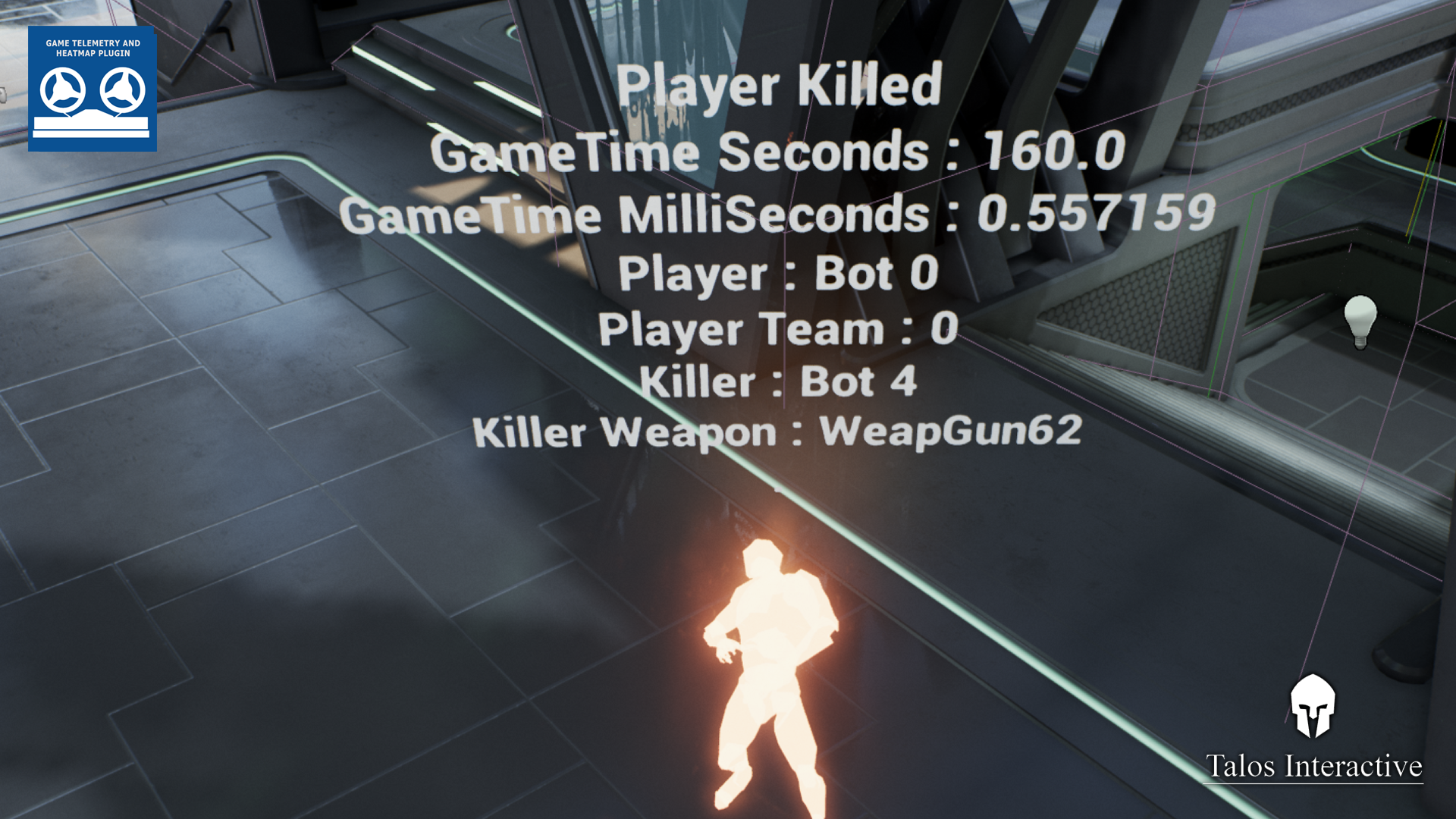
- Determine where players died most, who killed them and where the killer was
- Display any number of events as a heatmap — deaths, respawns, skills used, player paths
- Filter by player, event type, or both
- All source code included so you can define and record your own custom events
- All events stored as JSON, importable into spreadsheet software
- Written in C++ and Blueprint — works with both GitHub and launcher versions of UE
- UI made in UMG
- Bonus: small UI to trigger Replay Recordings on top of your telemetry data
Q: How do I evaluate the recorded data?
A: The plugin comes with an in-editor UI to load, filter, and manage recorded events and generate a heatmap from all events or a narrow selection. You can replay events in their timeline, see where players went, what they did, and what happened to them — all from within the Unreal Editor.
Q: Is this plugin right for me and my game?
A: Every game has something worth tracking. This plugin was built for a multiplayer FPS and the default event set reflects that, but with a little extra work you can create events to track any type of gameplay — including an economy simulator.
Q: How do I implement it?
A: Enable the plugin, restart the editor if required, and start hooking up the appropriate record Blueprint nodes to whatever you want to record. Run a round, verify events were recorded correctly in the human-readable JSON output, then load it back into the editor.
Q: Do I need to work with Lyra/ShooterGame or can I integrate into any game?
A: You can implement this plugin into any UE4 or UE5 based game. Most of the plugin works by calling Blueprint Library functions and uses an Editor Widget Blueprint as the GUI.
Q: Are there any limitations?
- Actor creation in UE is costly, so the event actor pool is limited by default to 100 nearby visible events. Pool size and draw distance are adjustable.
- Large datasets can take several seconds to load. The largest we tested was 30MB, taking about 20 seconds on our reference machine. It's busy, not crashing.
- Drawing many path lines is a performance hit, so a line pool and drawing limit for paths are also in place.
Q: Can I create my own events?
A: Yes, two ways:
- Define a new event type in the ETIEventTypes enum in TIGameTelemetryTypes.h. Requires a small amount of C++ and a rebuild, but allows the easiest filtering. Recommended.
- Record a CustomEvent and use the Data input to tag it. Easier to set up, but takes a few extra steps to filter later.
Q: Why not use a Blueprint enum so we can add our own event types without C++?
A: A lot of the code relies on the enum in C++, and reading a Blueprint enum from C++ and working with it in code is rather tricky. We decided against it for the time being.
Q: How is this different from recording a demo replay?
A: Demo replays are a valuable tool but don't give you the full set of parameters at a glance. This plugin records more data than demo replays provide, and the two tools complement each other. The plugin also includes a WIP UI to record and replay demos alongside telemetry.